The sensor is triggering alarms in the wrong room. What could be the cause?
If a sensor frequently triggers alarms in a room where no cogvis companion is mounted, the cause is likely a nurse call receiver that was left behind. cogvis companion dort befindet, ist oft ein vergessener Rufanlagenempfänger die Ursache.
Check please, whether in the room in which yours sensor, the associated call system receiver is also plugged in. If there is no call system receiver in the room, the call system receiver is probably in the former room backremained. Hole please the receiver from the former room and plug it into the correct room.
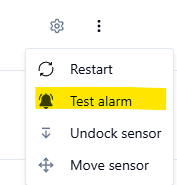
Solve please make aTestalarmvia the platform to ensure that the sensor and call system receiver are paired with each other.
If the test alarm is not processed by the nurse call system, we recommend pairing it again with the sensor. Have a look at the instructions for pairing nurse call receivers on this page.
How do I pair an ELDAT nurse call receiver?
You can find instructions for pairing an ELDAT nurse call receiver here.
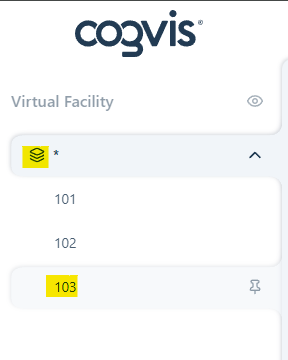
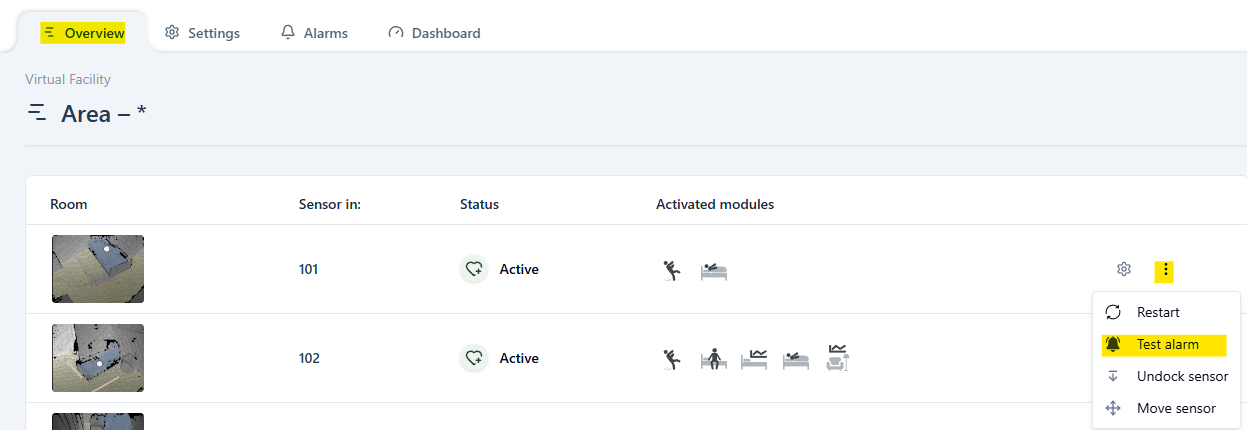
You can send a pairing command by triggering a test alarm via the platform. Select the room and sensor in the left navigation bar and open the Overview tab. Click on the three-dots to open a pop-up window with the test alarm option.
For assistance, feel free to contact our support team!
How do I pair a Variorec nurse call receiver?
You can find instructions for pairing Variorec 6 nurse call receivers here.
You will find instructions for pairing Variorec 7 nurse call receivers here.
You can send a pairing command by triggering a test alarm via the platform
How do I pair a cogvis companion with a Caretronic nurse call terminal?
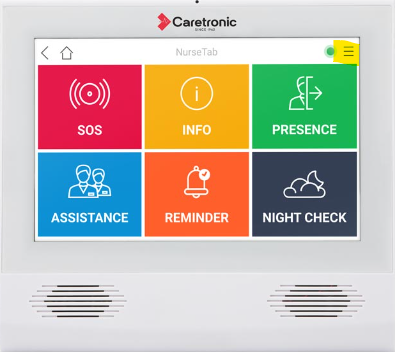
The pairing with the Caretronic nurse call system is done via the room's nurse call terminal. You will need a code to use the terminal. If you do not know the code, please ask your internal team, as we do not have this information.
Then click on the Burger menu (icon with three horizontal lines ). Select Bluetooth and go to Devices in this room.
Enter the Sensor ID and
- deactivate the sensor in the old room,
- activate the sensor in the new room.
The alarm appears on the platform, but no alarm was triggered on the nurse call system. What should I do?
If visualizations appear on the platform but no alarm is processed by the nurse call system, it is mostly caused by an unplugged nurse call receiver.
Please check in the room whether the nurse call receiver is present and properly plugged into the socket. If necessary, plug in the receiver and trigger a test alarm via the platform. Testalarm tab.
If the test alarm is not processed by the nurse call system, please pair the receiver again. If you need assistance, feel free to contact our support team!
Attention: If you are using ELDAT receivers, please also ensure that the black power cable is plugged in. Once the receiver is supplied with power, it lights up green.
How can I view/filter alarms on the platform?
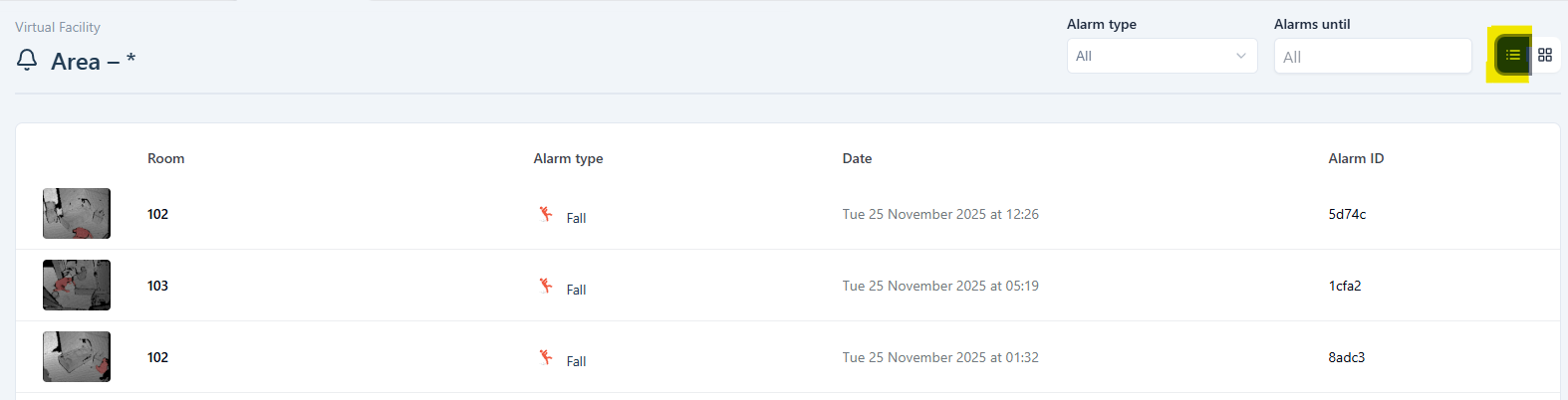
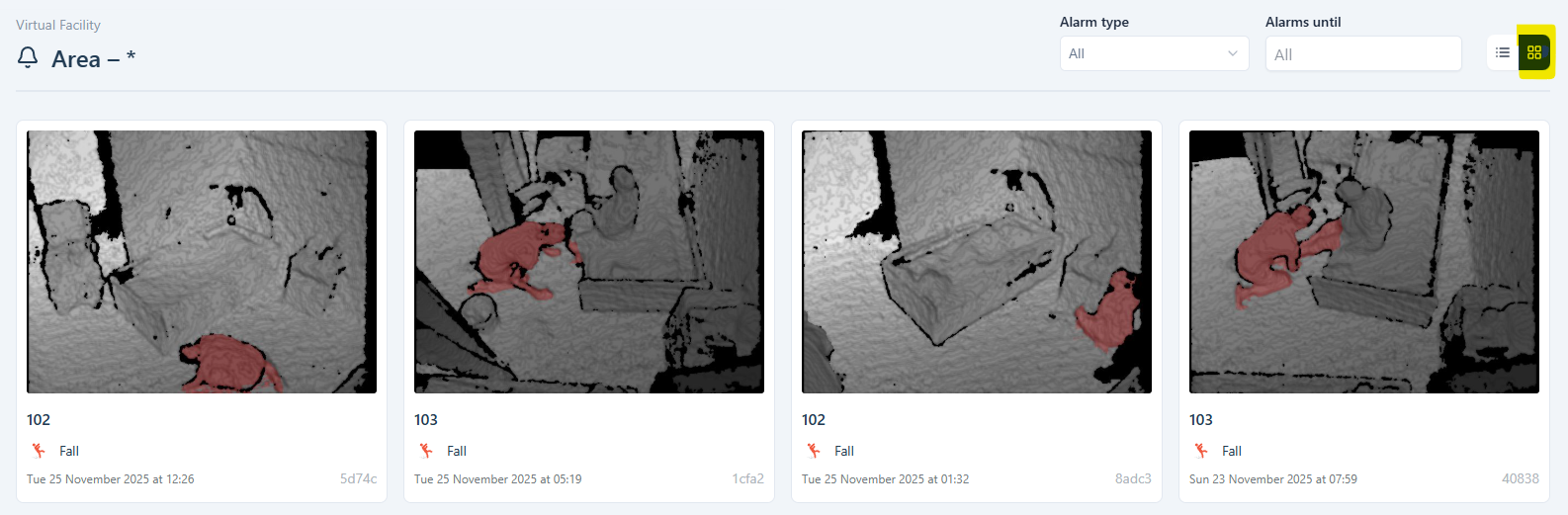
Select the Alarm tab in the horizontal navigation bar to access the alarm overview.
In the left navigation bar, you can choose whether you want to view the alarms for the entire area or for an individual room.
In the alarm overview, you can also filter by alarm type and select time periods.
Just like in the room overview, you can choose whether to display alarms in a list or in a grid view format.
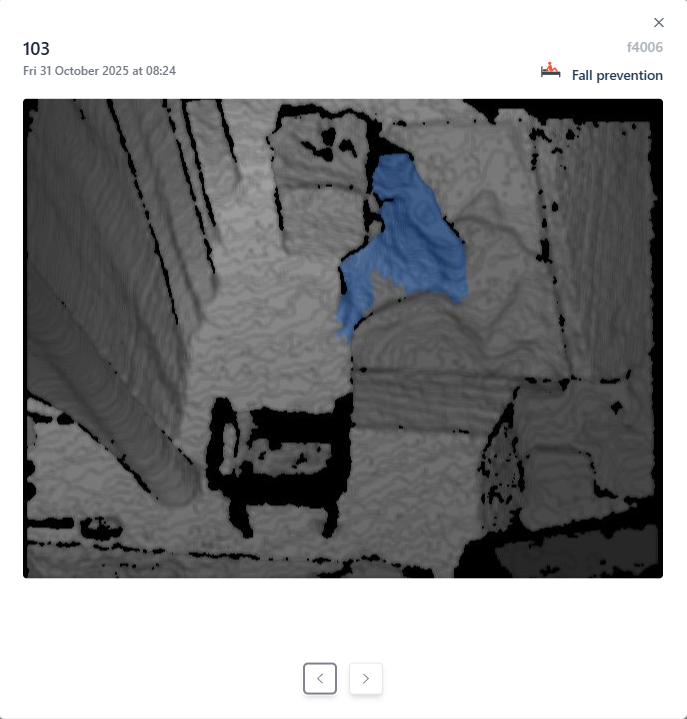
To enlarge an alarm visualization, simply click on it.
How can I access the fall analysis?
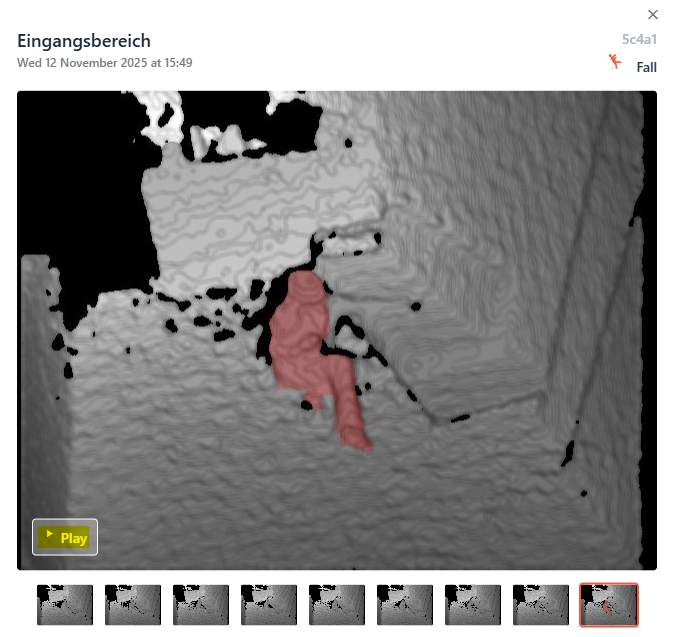
To access the fall analysis, click on the fall alarm on the platform. An additional window opens with an enlarged alarm visualization. You can now click on the Play button to view the fall sequence.
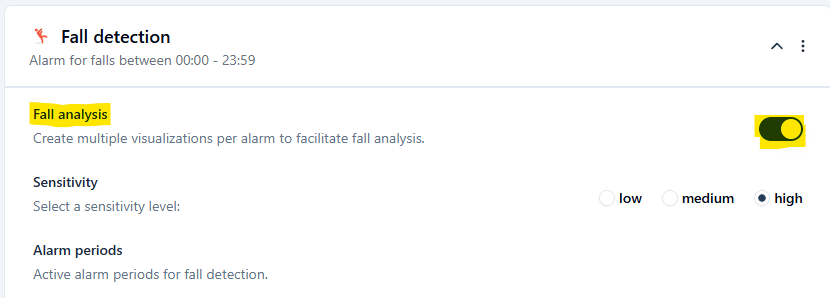
If you are unable to access the fall sequence, please check the sensor settings to ensure the fall analysis is activated.
How can I trigger a test alarm?
There are various ways to trigger a test alarm.
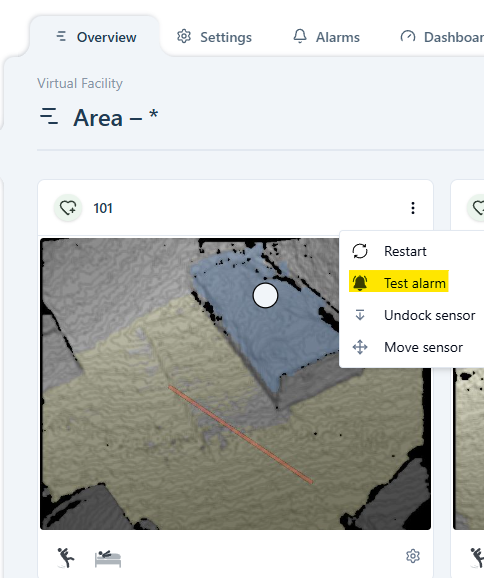
You can trigger a test alarm directly in the room overview of the area - both in the list and grid view.
Alternatively, you can also go directly into the room's Overview and then on Actions klicken, um dort einen Testalarm to trigger a test alarm.
My sensor is not triggering alarms. What could be the cause?
Do you have the impression that your cogvis companion is not triggering alarms?
First, check the alarms in the platform's Alarm overview . If alarms visualizations are available on the platform but they are not processed by the nurse call system, trigger a Testalarm via the platform to check the alarm chain. If the alarm does not get processed, please ensure that the nurse call receiver was not unplugged by accident.
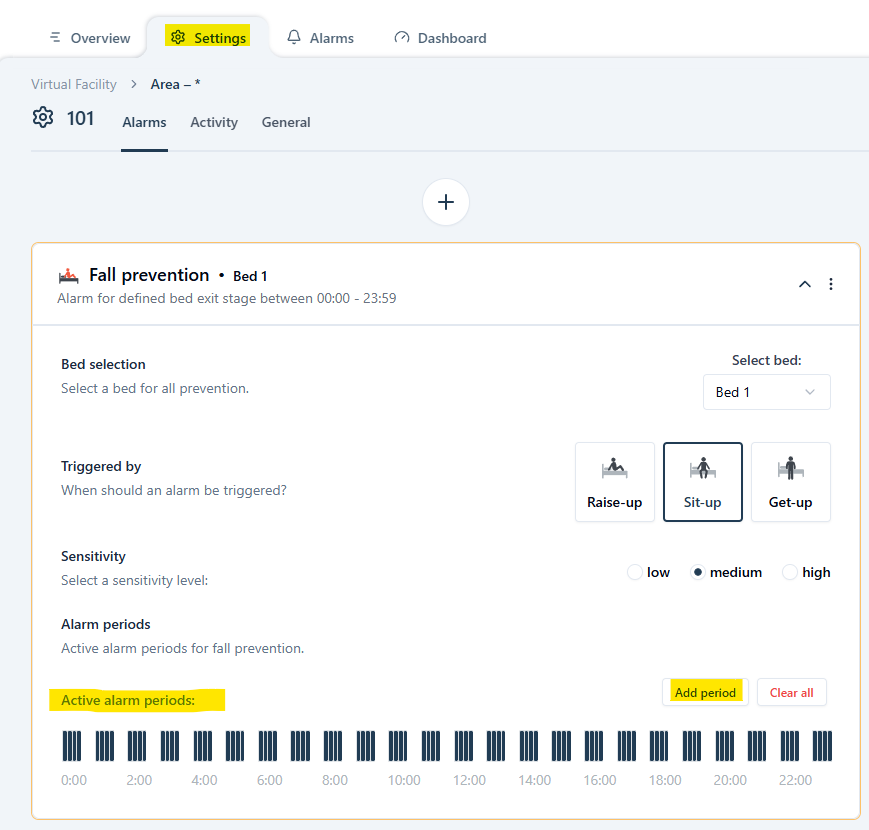
Also ensure that the desired alarm periods are set correctly. If this is not the case, please adjust the settings.
Are the sensor settings and alarm periods correct, and is the nurse call receiver plugged in? Please contact our support team!