Table of contents
Proactive safety: Which modules are included in this licence package?
With its modular approach, the cogvis companion allows you to customize sensor settings to meet the individual needs of your residents or patients. Depending on your selected license package, different modules are available. For more information about our license packages, please visit our homepage: https://cogvis.ai/solution/.
In this article, you will find a brief introduction to the modules included in the proactive safety license.
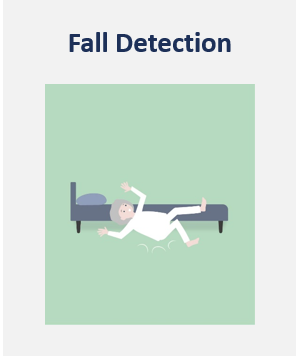
Fall detection:
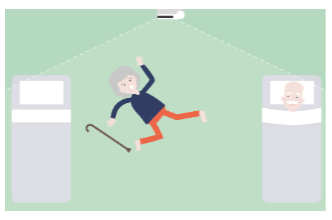
With fall detection, falls or similar situations within the room can be recognized and immediately alerted. An alarm is triggered for incidents in the floor area within the sensor's field of view. In the event of a fall or similar situation, the alarm is triggered immediately via the nurse call system, enabling rapid assistance.
Fall analysis:
Sometimes it is important to know how a fall happened exactly. In this case the fall analysis can help. The fall analysis allows the reconstruction of critical fall events and helps in eliminating repetitive causes of falls.
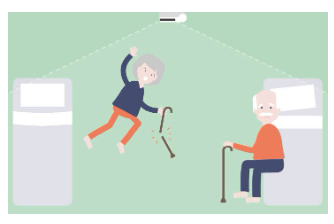
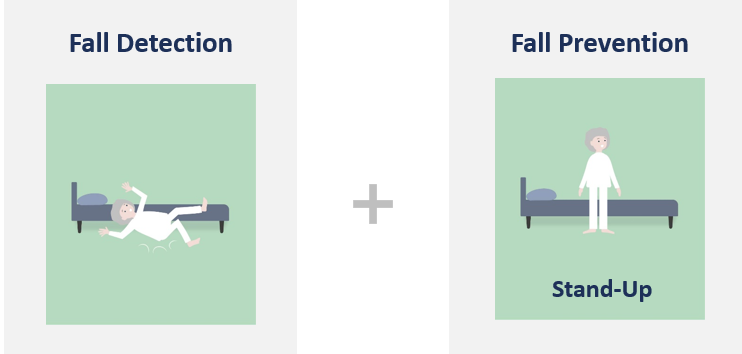
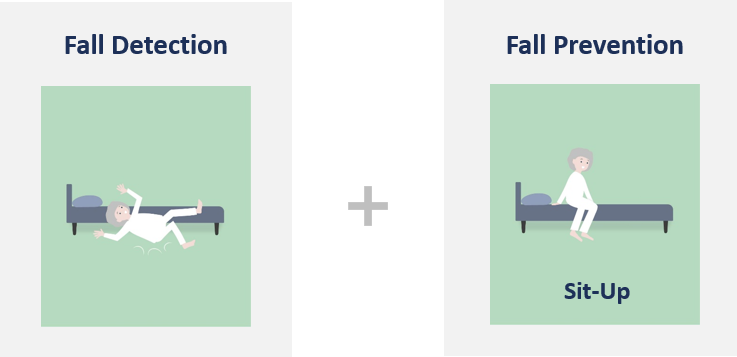
Fall prevention:
Fall prevention effectively prevents falls by timely triggering an alarm when residents/patients at risk of falling raise-up, sit-up or stand-up.
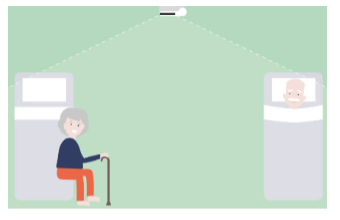
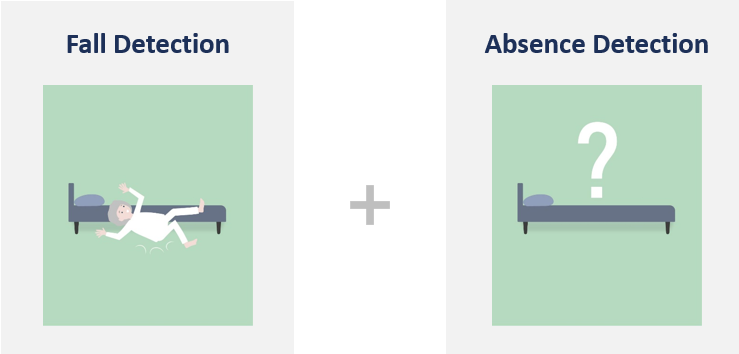
Absence detection:
An alarm in case of unusually long absences helps you to avoid dangerous situations and increase safety. If a person leaves the bed and does not return after a specified period of time, you will receive an alarm.
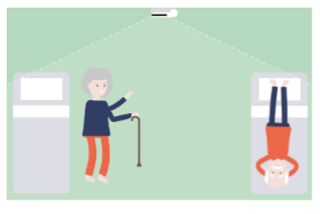
Virtual beam:
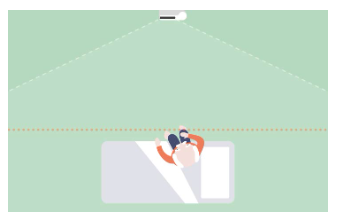
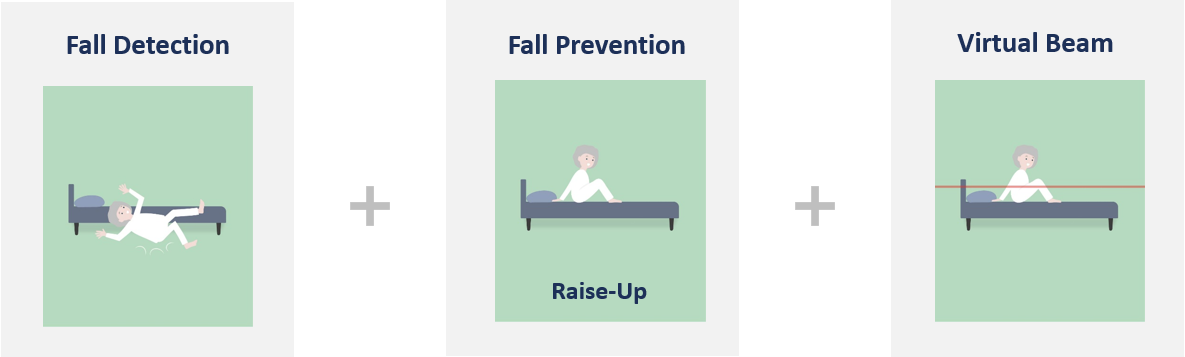
The virtual beam replaces physical barriers and thus increases the perceived freedom of the residents/patients. It is an invisible beam that triggers an alarm as soon as a person at risk of falling crosses it.
Proven in practice: frequently used settings in everyday care.
Over the years, we have observed that similar combinations of modules are commonly used in everyday care - depending on the residents’ or patients’ fall risk.
Here is an overview of the most common module combinations:
Low risk of falling
People in need of care with a high degree of independence
- Physically fit with a confident gait
- No cognitive limitations
- Largely independent in daily activities
- Able to report reliably and independently when assistance is needed
- Settings are designed to promote independence, requiring only minimal support
Medium risk of falling
People in need of care with dementia or cognitive impairments
- Exhibit disoriented behavior or dementia
- Occasionally attempts to leave the room or ward (e.g., wandering or running tendencies)
- Falls often occur in the bathroom, especially at night due to drowsiness (e.g., from sleeping medication)
- Does not require assistance getting out of bed
High risk of falling
Risk of falling when starting to walk, as the walking aid is often forgotten.
- Person already has an increased risk of falling
- Can maintain a stable standing position, but has an unsteady gait
- High risk of falling, especially during the first few steps
- Tends to forget the wheelchair or walker and attempts to move independently without assistance
Unsteady gait - often falls before help can arrive
- No secure footing / unsteady gait
- Falls typically occur when trying to stand up
- The person is usually already standing when nurses enter the room (an alarm is needed while sitting to allow timely assistance)
- Also requires support with incontinence and toilet visits
Moves quickly - early alerting required for timely assistance
- No stable stand
- Falls immediately when trying to stand up
- Due to the rapid movement, assistance must be provided immediately when standing up
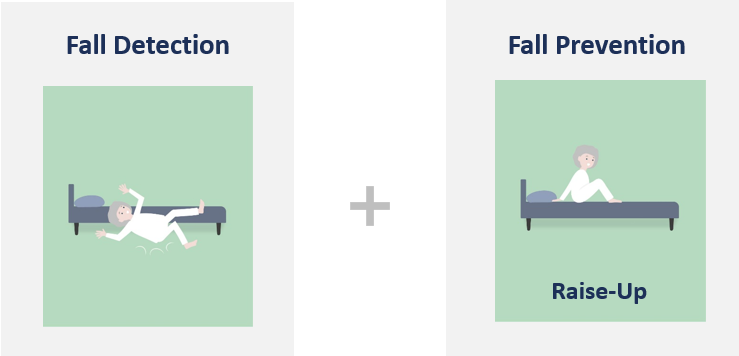
Risk of falling due to rolling out of bed - alarm immediately needed
- No stable stand
- Moves very quickly
- Falls immediately when attempting to stand up
- Frequently rolls out of bed without sitting up first
- Alarm is triggered when the virtual beam is broken (i.e., it is an additional safety measure)
Predictive safety: What are the activity modules and what can I use them for?
The predictive safety licence gives you access to the entire portfolio of the cogvis companion's modules. In addition to the modules included in the proactive safety license, you also have full access to the activity modules.
The activity modules consist of:
- Room activity
- Bed mobility
- Restlessness
The cogvis companion’s new Bed Mobility, Room Activity, and Restlessness modules help you gain deeper insights into residents’ and patients’ daily activities and behavioral changes
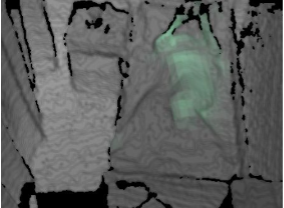
Bed mobility: Detects micro-movements in bed, recognizes changes in mobility at an early stage and helps to avoid risks such as pressure ulcers or falls.
Room activity: Analyzes movements in the room and indicates abnormalities or decreases in activity.
Restlessness (with alarm): Detects restlessness, delirium, or waking after surgery and triggers an alarm if necessary. This helps support delirium detection, medication adjustment, relief for bedside supervision, and early rehabilitation after traumatic brain injury - all while reducing staff workload and enabling more targeted care.
Advantages: You receive reliable data for care planning, can notice changes more quickly, and improve both - quality of life and sleep.
The activity modules are ideal for care facilities and hospitals that want to actively promote the mobility, safety and well-being of their residents and patients.
👉 You can find more information in our blog post.
For more information about our license packages, please visit our homepage: https://cogvis.ai/solution/.
How do I activate the activity modules, and what should I keep in mind?
To activate the activity modules, select the desired room, go to the Settings tab and then to Activity.
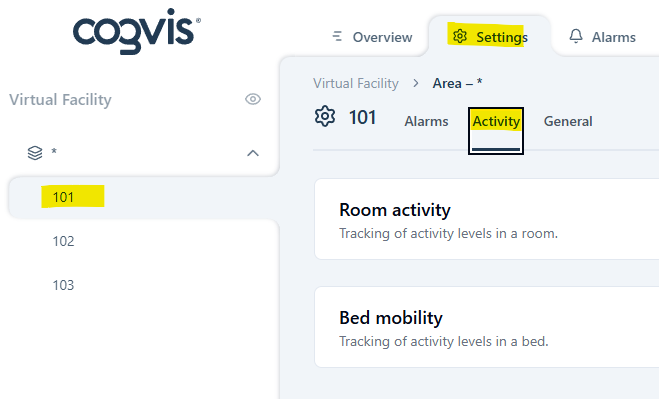
Open the desired tab - Room activity and/or Bed mobility - to activate the modules and specify the settings (e.g., analysis periods).
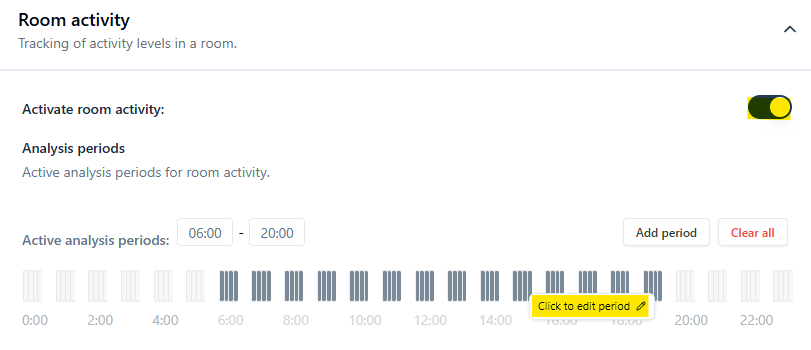
Please note that the Room Activity and Bed Mobility modules have analysis periods, not alarm periods. These modules analyze movement patterns and intensity without triggering an alarm.
Furthermore, bed mobility requires a bed point to be placed in the room layout. Bettpunkt Without it, the cogvis companion cannot determine the bed’s location and will be unable to detect micro-movements in it.
When using the bed mobility module, you can also view movement sequences per hour - similar to the fall analysis - by activating the Activity sequences. This allows you to specifically evaluate, for example, whether repositioning is needed or how much independent movement the person still has.
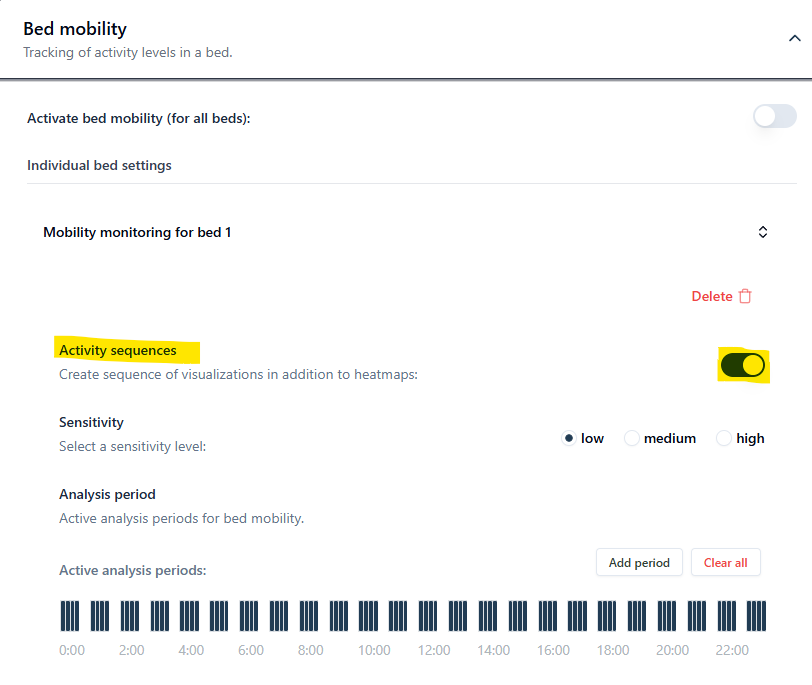
Activities data is collected on an hourly basis within the analysis periods. If activity sequences are activated and the sensor is not paused by nursing staff, 1–2 activity sequences per hour will be available for review.
Only the module Restlessness triggers alarms and has to be activated in the Alarms tab.
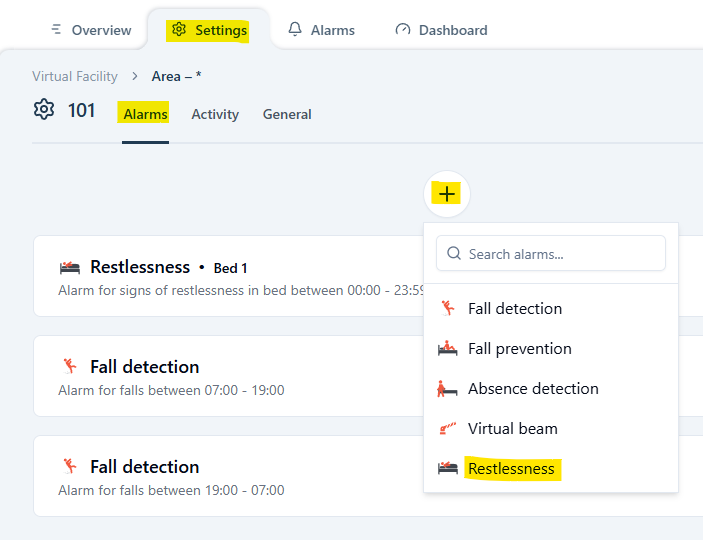
In addition to sensitivity and alarm periods, the restlessness module allows you to define how long continuous or unusual movement must persist before an alarm is triggered. Bewegungsdauer ein Alarm ausgelöst werden soll.
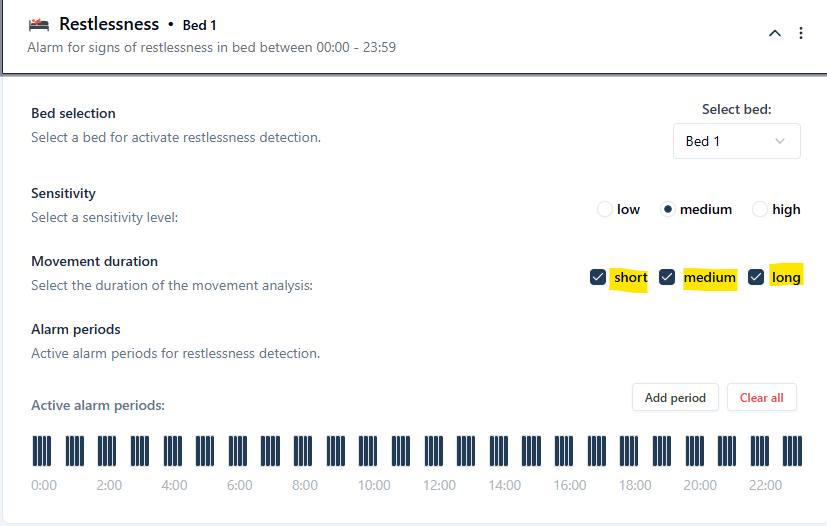
Short: Measures the movement intensity over the last 15 seconds - taking into account the 10 seconds with most noticeable movement. berücksichtigt.
Medium: Measures the movement intensity over the last 40 seconds, with 19 seconds of conspicuous movement.
Long: Measures the movement intensity over the last 12 minutes (720 seconds), with 120 seconds of conspicuous movement.
A movement is considered conspicuous, if the current movement intensity is higher than the average movement over the previous period. The system, therefore, detects when someone becomes unusually active or restless, depending on the type of movement.
Where can I access the collected activity data?
You can view the restlessness alarm visualizations in the alarm overview, just like any other alarm type.

The collected activity data for room activity and bed mobility can be found in the Dashboards under Activity.
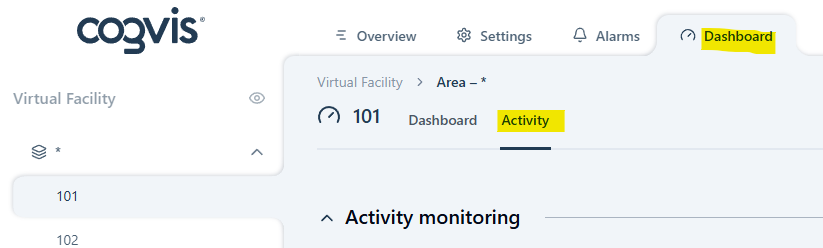
Depending on which activity modules are activated, you can now view the activity data for room activity or bed mobility by clicking on the Room or Bed.
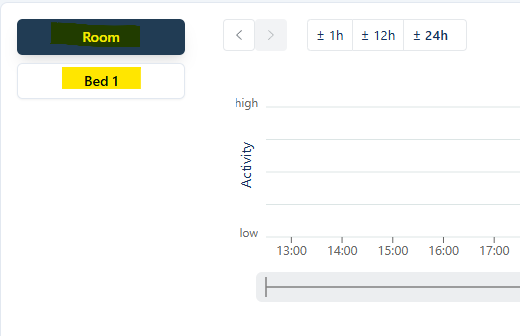
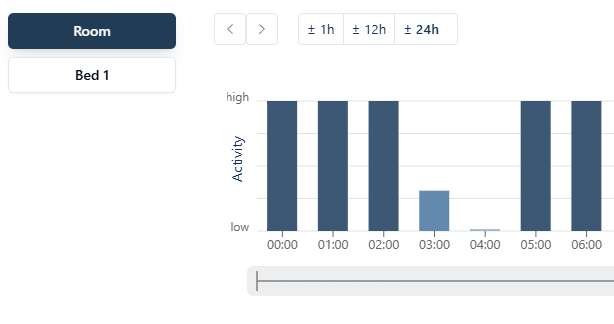
The activity data is shown in a 24-hour bar chart. You can move backward in time in 1-, 12-, or 24-hour steps to review past activity.
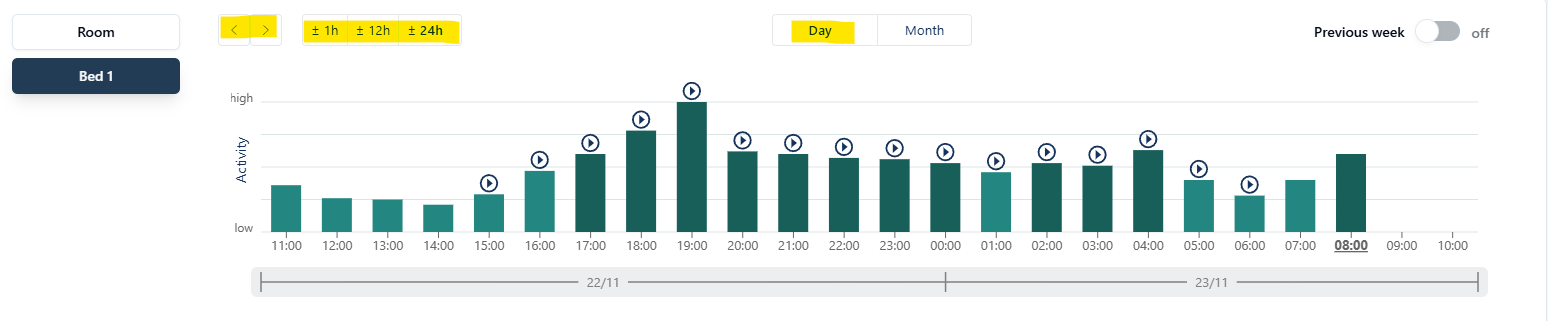
If you want to go further back in time, you can switch to the monthly overview and click on the desired day in the bar chart or calendar.
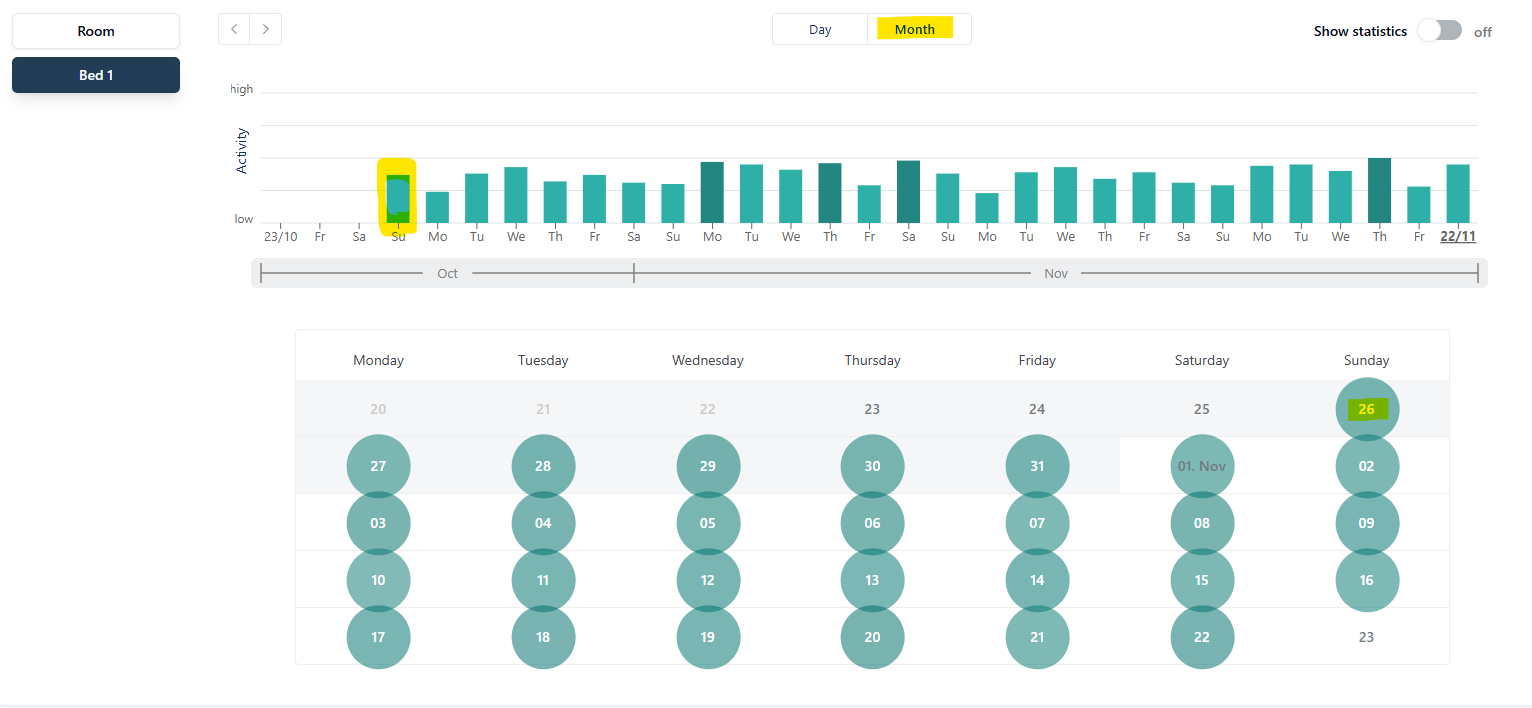
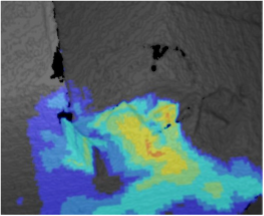
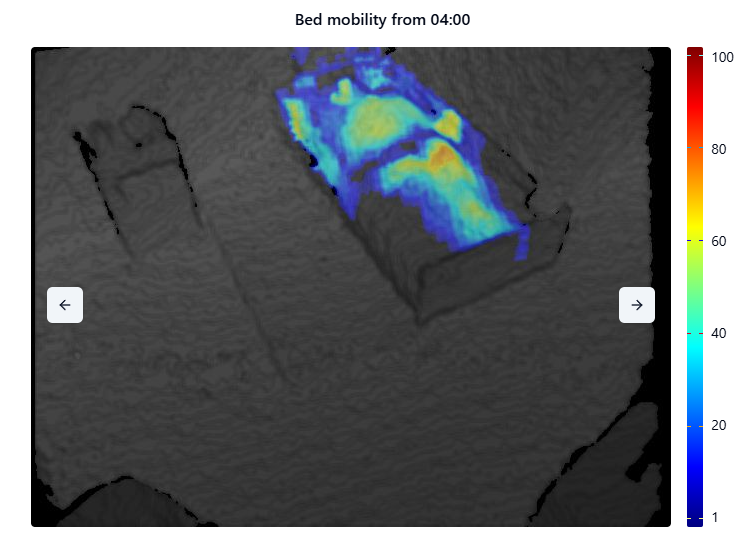
As soon as you click on one of the bars, a heatmap appears below the chart, highlighting the areas where movement was detected. The more the color shifts toward red, the greater the intensity of movement.
If you have also activated the activity sequences, you will see up to two activity sequences below the heatmap: one for the first half-hour and one for the second half-hour. Click on the desired time to have a look at the corresponding sequence.
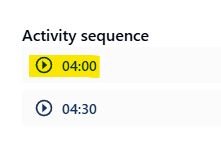
Please note that activity sequences are only available for bed mobility and represent the most intense movements within the selected half-hour. The sequence does not show continuous movement. Additionally, no activity sequences or bars will appear in the chart if the sensor is paused. To collect sufficient data within a full hour, the sensor must be active for at least 30 uninterrupted minutes. For example, if the sensor is paused using the nurse presence button at 13:20 and 13:40, not enough activity data can be collected, and the corresponding bar will be missing from the chart for that period.